



In the rapidly evolving landscape of digital finance, securing your assets is no longer just a technical choice, it is a fundamental necessity. As global crypto adoption continues to reach new milestones, the question is no longer if you should enter the market, but how you will protect your stake in it. Have you ever wondered what truly happens to your Bitcoin once you hit “buy”? Is your “digital gold” sitting in a vault, or is it merely a line of code vulnerable to the next big cyberattack?
Setting up a crypto wallet is your first, and most critical, step toward true financial autonomy. This guide moves beyond the basics to offer a cohesive look at various wallet types, industry insights, and the practical steps needed to secure your digital future.
Understanding the “Why”: Why a Wallet Matters
A common misconception is that a crypto wallet “stores” your coins like a physical leather wallet stores cash. In reality, your assets live on the blockchain; the wallet stores your private keys, the digital signatures required to access and move them.
In the crypto world, there is a golden rule: “Not your keys, not your crypto.” If you don’t control the keys, you are essentially asking a third party for permission to use your own money. As the industry matures, the shift toward self-sovereign finance is accelerating, with users taking personal responsibility for their security rather than relying on traditional, centralized banking structures.
- Hosted (Custodial) Wallets: The Entry Point
i) Best for: Beginners who want a “safety net” and ease of use.
ii) The Experience: These wallets function similarly to online banking. If you lose your password, the platform can help you recover it.
iii) The Setup:
- Select a Regulated Platform: Choose an exchange that complies with local security standards and anti-money laundering (AML) laws.
- Create an Account: Provide your email and complete the Mandatory KYC (Know Your Customer) process to verify your identity.
- Enable Advanced Security: Move beyond a simple password. Always enable Two-Factor Authentication (2FA) using an app like Google Authenticator or a hardware security key.
2. Software (Non-Custodial) Wallets: Taking the Reins
If you want to explore the world of Decentralized Finance (DeFi) or collect NFTs, you will eventually need a non-custodial software wallet, usually a mobile app or a browser extension.
i) Best for: Intermediate users who want full control and access to the Web3 ecosystem.
ii) The Experience: You are the sole manager of your funds. There is no “forgot password” button here.
iii) The Setup:
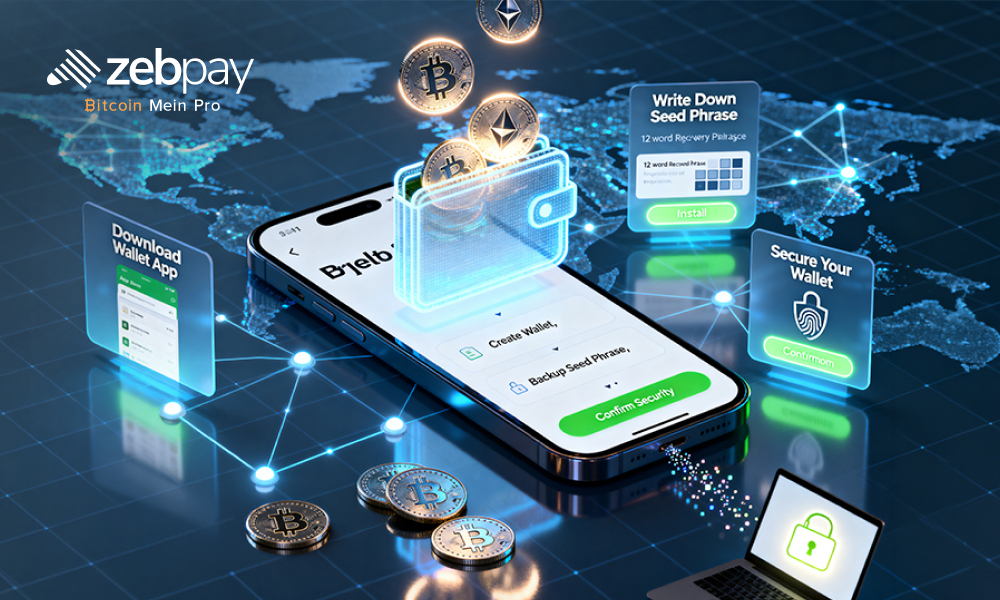
- Download from Official Sources: Only download apps like MetaMask or Trust Wallet from their official websites or verified app stores to avoid “drainer” apps.
- Generate Your Recovery Phrase: The app will provide a 12 to 24-word “seed phrase.” This is the master key to your funds.
- The Paper Backup: Never store your seed phrase in a screenshot, email, or cloud storage. Write it down on paper and store it in a fireproof, waterproof location.
- Set a Strong PIN: Most apps allow for biometric or PIN-based entry for daily use.
3. Hardware Wallets: The “Gold Standard” of Security
For those holding significant amounts of Bitcoin or other assets, hardware wallets (or “cold storage”) are the industry recommendation. These physical devices keep your private keys entirely offline, making them immune to online hacking attempts.
i) Best for: Serious investors and “HODLers” who prioritize security over frequent trading speed.
ii) The Experience: Transactions must be physically confirmed on the device, ensuring no malware on your computer can steal your funds.
iii) The Setup:
- Purchase Directly: Never buy a used hardware wallet or one from a third-party seller. Only buy from the manufacturer (e.g., Ledger or Trezor).
- Install Official Software: Connect the device to your computer and download the official management suite.
- Initialize Offline: The device will display your recovery seed on its own tiny screen. Since this never touches the internet, it remains “cold” and secure.
- Confirm Transactions: Every time you send crypto, you will physically press buttons on the device to authorize the move.
Read more: Top 10 crypto to invest in 2026
The Expert Strategy: A Tiered Security Approach
Industry experts rarely rely on just one wallet. Instead, they use a tiered system to balance security and convenience:
- Cold Storage: 80-90% of your holdings (The Vault).
- Software Wallet: 5-10% for active DeFi participation or NFTs (The Checking Account).
- Exchange Wallet: 1-5% for immediate trading or converting to cash (The Pocket Change).
Read more: Top 10 crypto exchanges in India in 2026
Conclusion
Setting up a crypto wallet is more than just a technical hurdle; it is a declaration of financial independence. By moving your assets into a secure environment, whether it’s the convenience of a hosted wallet or the fortress-like security of cold storage, you are taking an active role in the future of the global economy.
The digital asset space moves fast, and while the technology can seem daunting, the principles of safety remain timeless: verify everything, protect your keys, and stay curious. As you embark on this journey, remember that the most valuable asset you own isn’t the Bitcoin in your wallet, but the knowledge of how to keep it safe. You have the tools and the roadmap; the next step is to secure your piece of the digital frontier.
In the grand scheme of things, ZebPay blogs are here to provide you with crypto wisdom. Get started today and join 6 million+ registered users to explore endless features on ZebPay!
FAQs
What happens if I lose my phone or hardware wallet?
As long as you have your recovery seed phrase, you can restore your wallet on a new device. If you lose both the device and the phrase, your funds are permanently lost to the blockchain.
Can I use the same wallet for Bitcoin and Ethereum?
Most modern wallets (like ZebPay or multi-chain software wallets) allow you to manage multiple different cryptocurrencies under one interface.
Is it safe to store my seed phrase in a password manager?
While better than a plain text file, the safest method is always an offline backup. If your password manager is compromised, your crypto could be at risk.
How often should I check my hardware wallet?
Since it’s for long-term storage, you don’t need to check it daily. However, it’s good practice to ensure your device firmware is updated every few months.
How do I create a Bitcoin wallet specifically?
The process is the same as above. When you set up a multi-chain wallet, a Bitcoin address is automatically generated for you.